Keep every enrolled participant on track
Participant Monitoring
Track visit windows, follow-ups, and retention across your active participants so nobody falls behind.
What you get
- Protocol visit windows with expected dates that realign when a visit moves
- Attendance-risk scoring that flags likely no-shows — with the reason for every point
- Overdue and missed-visit alerts so nobody falls behind
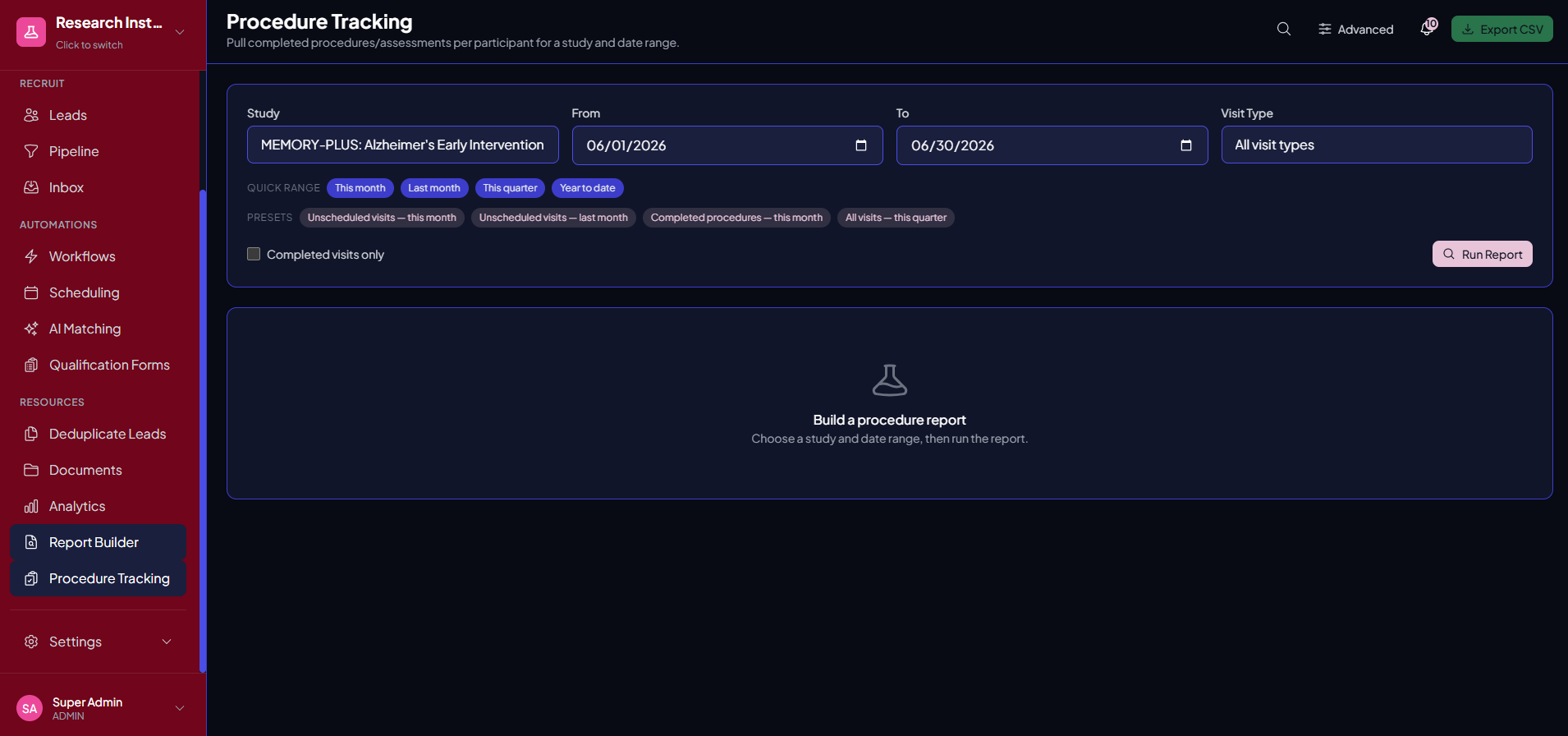
- Procedure tracking per visit, with per-procedure cost for finance
- A clear timeline for every participant, and per-study subject IDs
Why it matters
Enrollment is only half the job. Monitor protocol visit windows, surface overdue follow-ups, and stay ahead of retention risks with a clear timeline for every active participant.
See it in action
Participant Monitoring, inside Trialflow
FAQ
Participant Monitoring questions, answered
What does Trialflow monitor after a participant enrolls?+
It tracks protocol visit windows, upcoming and overdue follow-ups, and retention status for every active participant, so the work after enrollment is as organized as the recruitment before it.
How do I avoid missing protocol visit windows?+
Trialflow tracks each participant’s visit windows and surfaces what’s coming due, with alerts when a visit goes overdue — so nobody slips through the cracks on a busy week.
Can I spot retention risks early?+
Yes. Retention-risk visibility highlights participants who are falling behind on visits or follow-ups, giving your team a chance to re-engage them before they drop out.
Can I see who’s likely to miss a visit before it happens?+
Yes. Upcoming visits are scored for no-show risk from signals like attendance history, whether the participant confirmed, prior reschedules, booking lead time, and contact recency — and every point carries the sentence that justifies it. The result is a riskiest-first call list, with “who to call today” pulled out so the call that prevents the no-show still gets made.
Is there a timeline for each participant?+
Every active participant has a clear timeline of visits, follow-ups, and interactions, so any coordinator can see their status at a glance.
Who gets notified about overdue visits?+
Overdue-visit alerts surface the participants who need attention so the assigned coordinator can act, helping the team stay ahead of protocol deviations.
Can I report on what was actually done at each visit?+
Yes. Configure the procedures your protocol performs — physical exam, labs, ECG, assessments — and coordinators check off what was completed, including on unscheduled and screen-fail visits. Pull it back out by study and date range, with per-procedure costs, which is exactly what finance needs to invoice a sponsor.
Does this replace my EDC?+
No. Participant monitoring keeps your team on top of visit windows, follow-ups, and retention as part of the recruitment-to-enrollment workflow. It complements your EDC rather than replacing clinical data capture.
Which plans include participant monitoring?+
Participant monitoring — alongside meeting scheduling — is included starting with the Growth plan.
See Participant Monitoring in action
Get a personalized walkthrough tailored to your studies and therapeutic areas.